Company Name vs Brand vs Product vs Domain Explained
24 Oct, 2026
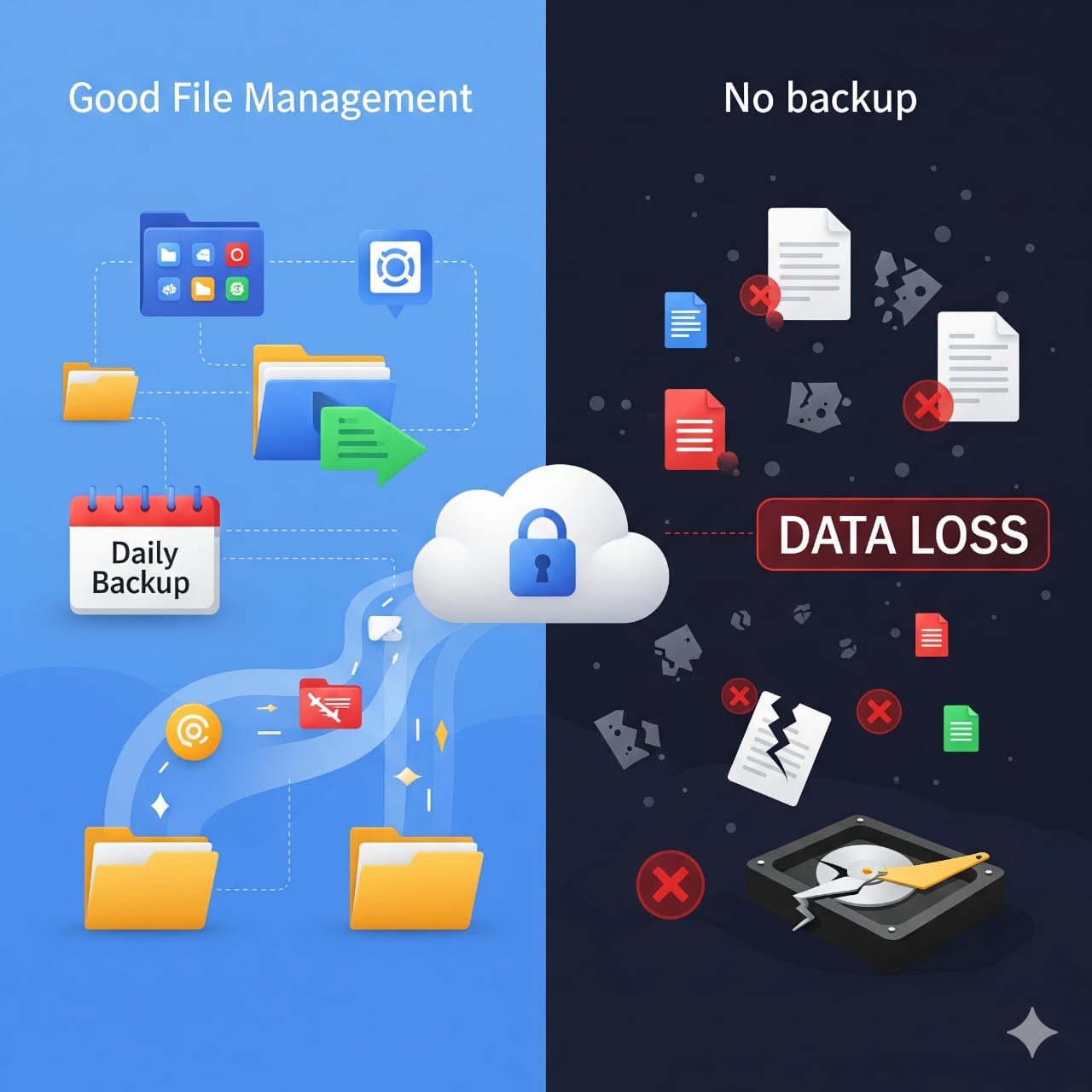
In today's digital world, we store our entire lives on our devices—precious memories, important documents, work projects, and irreplaceable files. But are you protecting them properly?
🎯 WHY FILE MANAGEMENT MATTERS
Proper file organization isn't just about being tidy—it's about:
• Finding what you need quickly and efficiently
• Preventing accidental deletions or overwrites
• Making backups faster and more reliable
• Reducing storage clutter and improving device performance
💾 THE CRITICAL IMPORTANCE OF BACKUPS
Think of backups as insurance for your digital life. Without them, you're one hardware failure, theft, or ransomware attack away from losing everything.
⚠ THE REAL RISKS OF NOT BACKING UP
• Hardware failure: Hard drives fail without warning—it's not "if" but "when"
• Theft or loss: Devices can be stolen or misplaced in seconds
• Malware & ransomware: Cyber threats can encrypt or destroy your files
• Accidental deletion: Human error happens to everyone
• Natural disasters: Fire, floods, or power surges don't discriminate
🔑 BEST PRACTICES FOR FILE MANAGEMENT
1. Organize with intention: Create a clear folder structure (Documents, Photos, Work, Personal)
2. Name files clearly: Use descriptive names with dates (Project_Report_2024_11_17)
3. Delete regularly: Remove duplicates and files you no longer need
4. Keep downloads clean: Don't let your Downloads folder become a digital junkyard
✅ THE 3-2-1 BACKUP RULE
Follow this gold standard:
• 3 copies of your data (original + 2 backups)
• 2 different storage types (external drive + cloud)
• 1 copy stored offsite (cloud or remote location)
🛠 BACKUP SOLUTIONS TO CONSIDER
• Cloud Storage: Google Drive, OneDrive, Dropbox, iCloud
• External Hard Drives: Physical backup you control
• NAS (Network Attached Storage): For advanced users and businesses
• Automated Backup Software: Set it and forget it protection
💡 PRO TIPS
✓ Automate your backups—manual backups often get forgotten
✓ Test your backups regularly to ensure they work
✓ Encrypt sensitive data before backing up
✓ Keep your backup software and devices updated
✓ Schedule monthly "file hygiene" sessions to declutter
⏰ WHEN TO BACK UP
Daily: Critical work files and active projects
Weekly: Personal documents and photos
Monthly: Complete system backup
🎬 DON'T WAIT FOR DISASTER
The best time to start backing up was yesterday. The second best time is RIGHT NOW. Don't learn this lesson the hard way—protect your digital assets today.


We'll reach out to you by email soon.